
Location
Platformer Game Feel
The same jump from Quest 1, now it feels pro. You add the handful of tricks great platformers use to flatter the player: coyote time so a press just after a ledge still works, jump buffering so a press just before landing still fires, variable jump height so tap is a hop and hold is a full jump, and asymmetric gravity so you fall faster than you rise. Each one is a few lines and a felt difference.
3
Lessons
275
XP Reward
Beginner
Difficulty
No videos to zone out to. You write the code yourself in the browser, and Code Checks show what your code passed as you go.
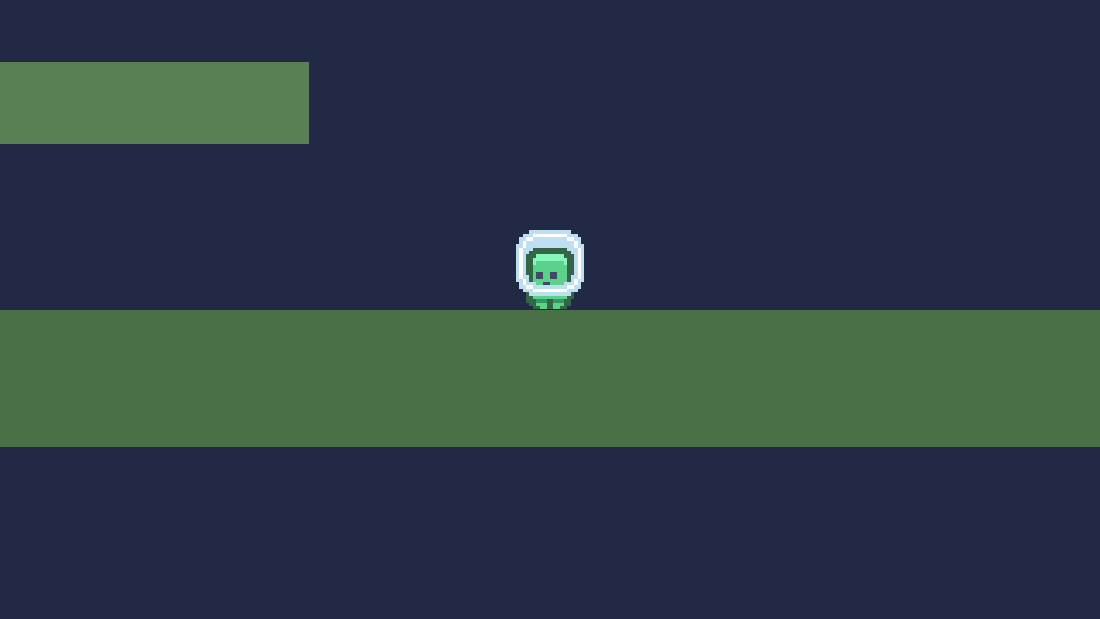
Final result: a jump that actually feels amazing
Free quest. No membership needed.
0 of 3 lessons completed
The same jump from Quest 1, now it feels pro. You add the handful of tricks great platformers use to flatter the player: coyote time so a press just after a ledge still works, jump buffering so a press just before landing still fires, variable jump height so tap is a hop and hold is a full jump, and asymmetric gravity so you fall faster than you rise. Each one is a few lines and a felt difference.
Finish it, then keep the momentum. Here's the logical next step.
Recommended
Dash, Double Jump & Wall Jump
Quest 3 of 8 in 2D Platformer.
The moves that make it a precision platformer. You add a double jump for recovery and expression. You add an air dash with a cooldown and a one-per-airtime refresh. Then a wall slide and wall jump, with a brief input lock so the kick reads as deliberate. Movement becomes something you can be good at.
First lesson free35-70 min
Juice It: Shake, Squash & Particles
Juice is the disproportionate feedback that makes actions feel good. You build a reusable Juice autoload for freeze-frames, particle bursts and screen flashes. Then you add dust on every step and landing, a Mario-style squash-and-stretch spring, and screen shake with a zoom punch scaled to impact. Finish with a camera that leads where you move, and pitch-varied sound so nothing repeats. Every action starts to pop.
First lesson free30-55 min
Coins, Combos & Stomping
The first taste of an actual game. You add coins that bob, sparkle and pop a floating +1. You add a combo that chains pickups for a rising-pitch payoff, plus a score HUD. You add a stompable enemy that decides between a juicy squash and a death. And you add one shared die-and-respawn, so a hit from the side sends you blinking back. Collect, chain, stomp, and try again.
First lesson free40-75 min
Browse campaigns Submit a build to the Showcase Back to your dashboard



 Godot 4.x