

State Machine
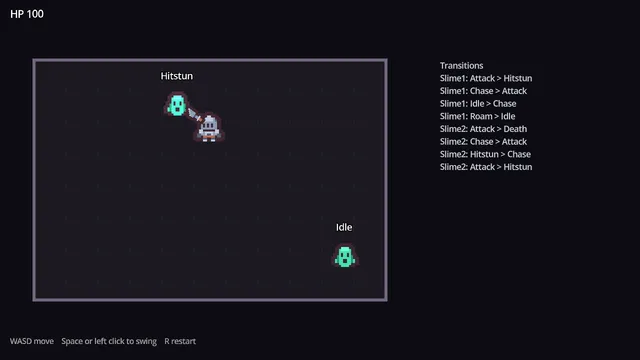
A node-per-state machine, shown on a slime that idles, roams, chases, leaps, staggers and dies.
Godot 4.7 · MIT code · CC0 art
Learn to build it: 2D Top-Down Enemy AI (First 2 lessons free)

An enemy that just runs at you is not fun to fight. Every enemy here follows the same state machine and shows its attack before it lands. The player can read it and get out of the way.
Free Godot 4.7 project · MIT licensed · v1.0.0
No account needed. Or download the v1.0.0 ZIP directly.
Download the project from GitHub and unzip it. In the Godot Project Manager, click Import and pick the project.godot file inside the folder.
The README on GitHub explains how each part works and how to copy it into your own game.
557b465, published 2026-10-03Copying a system works until you need to change it. These quests build it with you, one small step at a time. You write the GDScript in your browser and each step is checked before you move on.
Builds this enemy system lesson by lesson: the shared state machine, the telegraphs, each enemy type and the boss.
First 3 lessons free
Builds the health, hitbox and hurtbox components these enemies use.
First 4 lessons free
A node-per-state machine, shown on a slime that idles, roams, chases, leaps, staggers and dies.
Godot 4.7 · MIT code · CC0 art
Learn to build it: 2D Top-Down Enemy AI (First 2 lessons free)
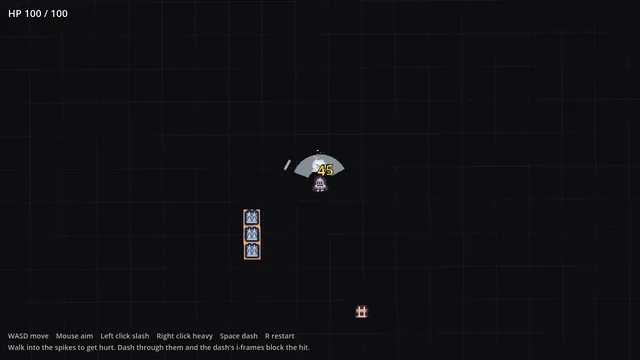
Health, hitbox and hurtbox components with one hit per swing, knockback, hit-stop and i-frames.
Godot 4.7 · MIT code · CC0 art
Learn to build it: 2D Roguelike: Combat Core (First 4 lessons free)
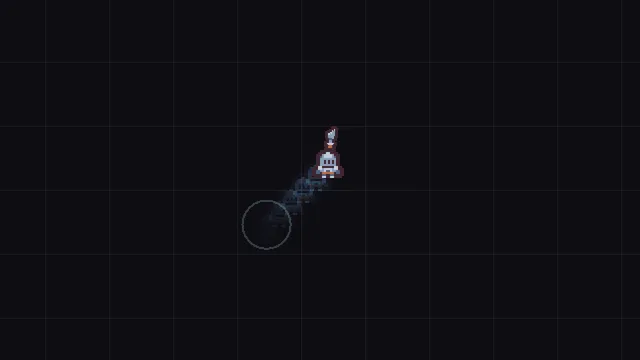
8-direction movement, mouse aim, a dash with i-frames and a follow camera with shake.
Godot 4.7 · MIT code · CC0 art
Learn to build it: 2D Roguelike: Top-Down Controller (Free, 8 lessons)
See all the free Godot projectsReport a problem with this project