

Save System
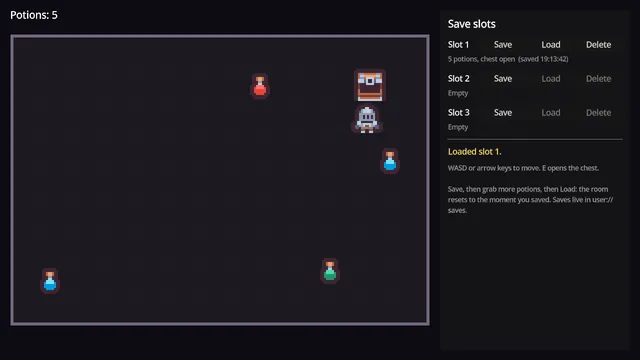
Save slots where picked-up items stay picked up and opened chests stay open.
Godot 4.7 · MIT code · CC0 art
Learn to build it: Save + Load System (First 4 lessons free)

Menus are the part of a game everyone leaves until last, and they are fiddly. Pausing, saving settings and moving focus with a gamepad all have to work together. This project has all three working, styled by one theme file.
Free Godot 4.7 project · MIT licensed · v1.0.0
No account needed. Or download the v1.0.0 ZIP directly.
Download the project from GitHub and unzip it. In the Godot Project Manager, click Import and pick the project.godot file inside the folder.
The README on GitHub explains how each part works and how to copy it into your own game.
07dd0f0, published 2026-10-03Copying a system works until you need to change it. These quests build it with you, one small step at a time. You write the GDScript in your browser and each step is checked before you move on.
Builds a title screen, faded scene transitions and a pause menu, then wires the whole game loop together.
First 3 lessons free
Finishes a platformer with music, screen transitions, and main, options and pause menus with three volume sliders.
First lesson free
Save slots where picked-up items stay picked up and opened chests stay open.
Godot 4.7 · MIT code · CC0 art
Learn to build it: Save + Load System (First 4 lessons free)
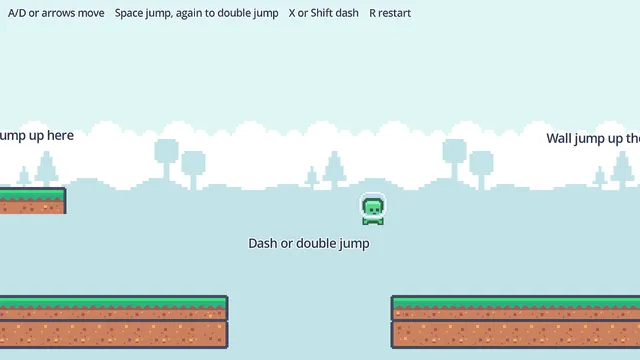
Coyote time, jump buffering, variable jump height, double jump, air dash and wall jump.
Godot 4.7 · MIT code · CC0 art
Learn to build it: Move & Jump (Free, 3 lessons)
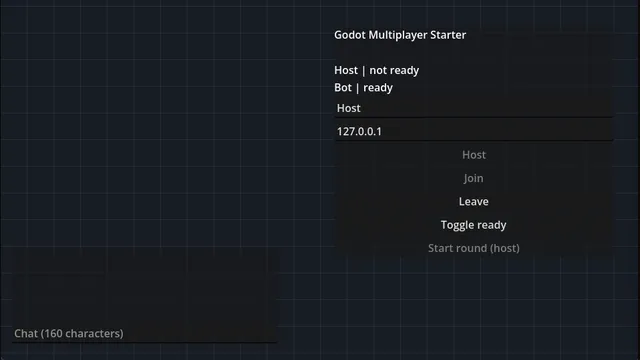
Online co-op with a ready-up lobby, chat and server-checked movement that still feels instant.
Godot 4.7 · MIT code
Learn to build it: Two Windows Talking (Free, 9 lessons)
See all the free Godot projectsReport a problem with this project